
 Support FPE

How to Fix Blender-to-Godot Import Problems
Import problems become manageable when you test the workflow in order: source data, export settings, generated GLB, Godot reimport, then runtime behavior. Skipping directly to runtime code often hides the real failure.
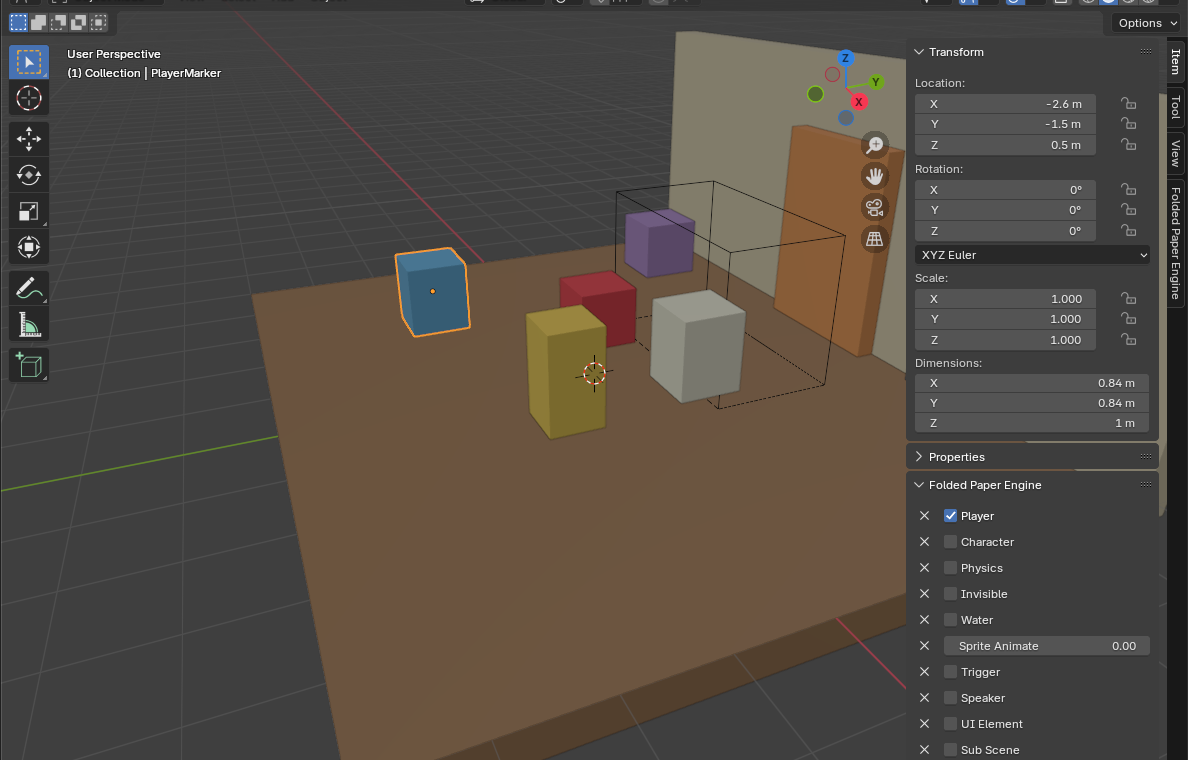
1. Verify the Blender source
- Confirm the property or FPE feature is set on the intended scene, object, or animation.
- Apply transforms when the runtime expects mesh dimensions or orientation.
- Use explicit IDs and project-relative paths; check spelling and case.
- Ensure linked assets and audio files will exist inside the Godot project.
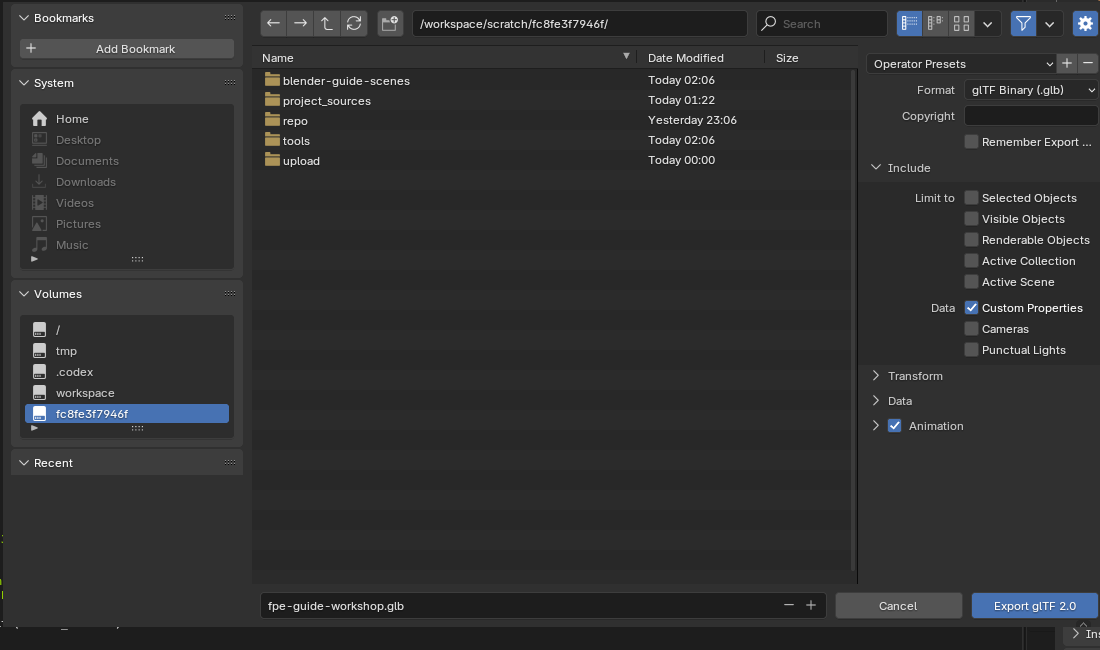
2. Verify the glTF export
Enable Custom Properties whenever gameplay metadata must travel with the scene. Export cameras, punctual lights, and animation only when the level uses them. Save the export preset so a later export does not silently omit a required option.
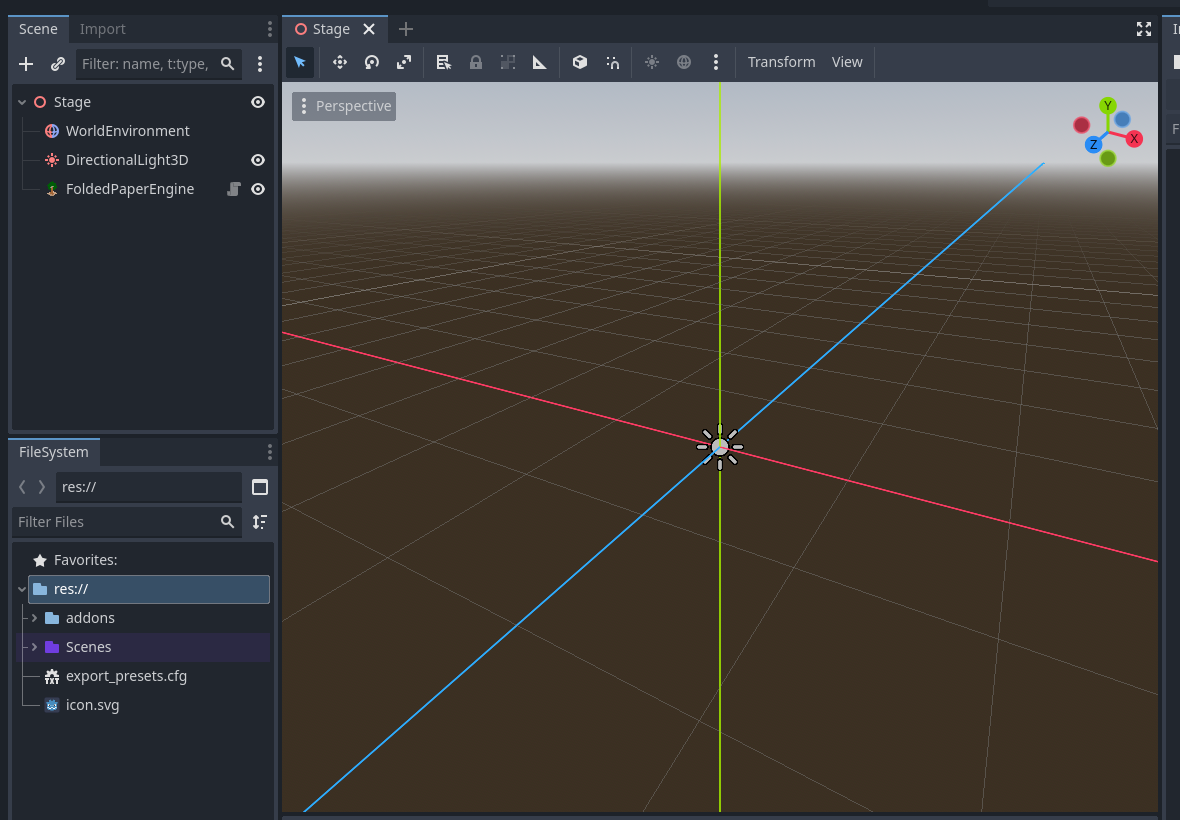
3. Verify Godot's import
- Wait for Godot to finish reimporting after replacing the GLB.
- Inspect the imported scene before running the game: transforms, names, materials, animation, and metadata should already be plausible.
- If the preview is stale, select the asset and reimport it deliberately.
- Read the editor output for missing resource paths, parse errors, and extension warnings.
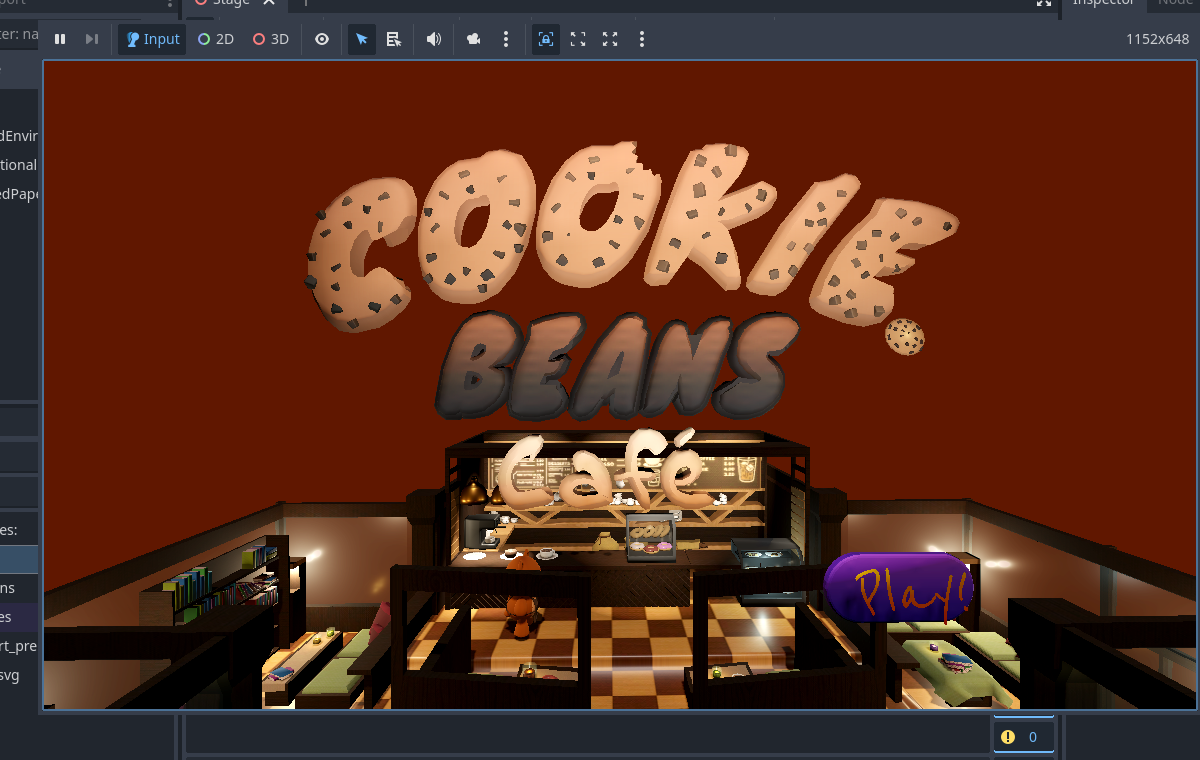
4. Isolate the runtime symptom
- Geometry but no behavior: custom properties were probably omitted or the runtime importer is inactive.
- Wrong trigger size or placement: inspect applied transforms and collider generation.
- Silent audio: verify the Godot resource path, autoplay/event, bus, and listener distance.
- Trigger never fires: inspect collision layers, masks, body type, participant filters, and one-shot state.
- Level fails to load: verify the project-relative GLB path and use the engine's normal level-loading path so cleanup runs.
Do not repair generated scenes by hand
Manual edits inside an imported scene are likely to disappear on reimport. Fix the Blender source, export contract, import extension, or a stable Godot child/override. The goal is a repeatable workflow, not a one-time successful file.
Godot reference: Godot glTF scene documentation