
 Support FPE

How FPE Turns Blender Properties into Godot Gameplay
A 3D scene can carry more than meshes and materials. With a disciplined metadata contract, the same export can describe which objects are triggers, players, speakers, pickups, or level entrances—and Godot can build the repeated setup automatically.
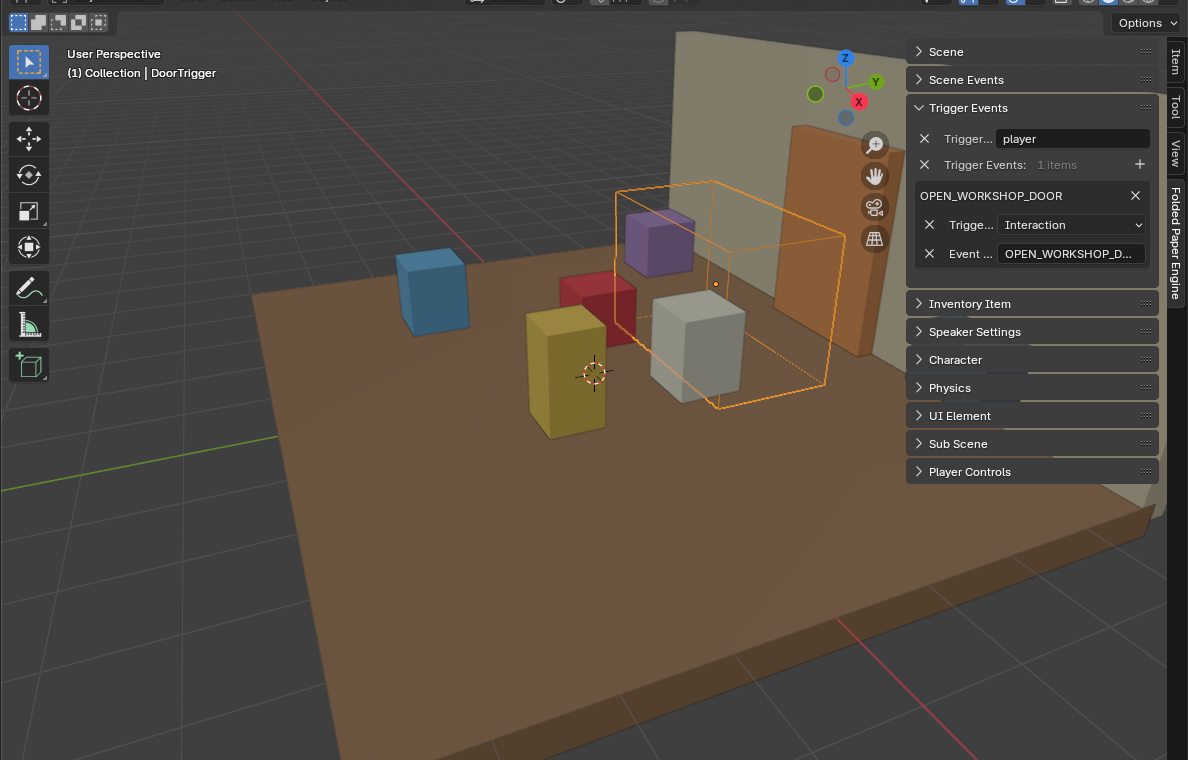
Why import gameplay intent?
Without an authored contract, every export creates a cleanup list: rebuild trigger areas, assign collision, reconnect audio, mark spawn points, and repeat scene settings. That manual pass is tolerable for one prop and expensive for a changing level. Metadata makes the level itself the source of truth for repeated mechanics.
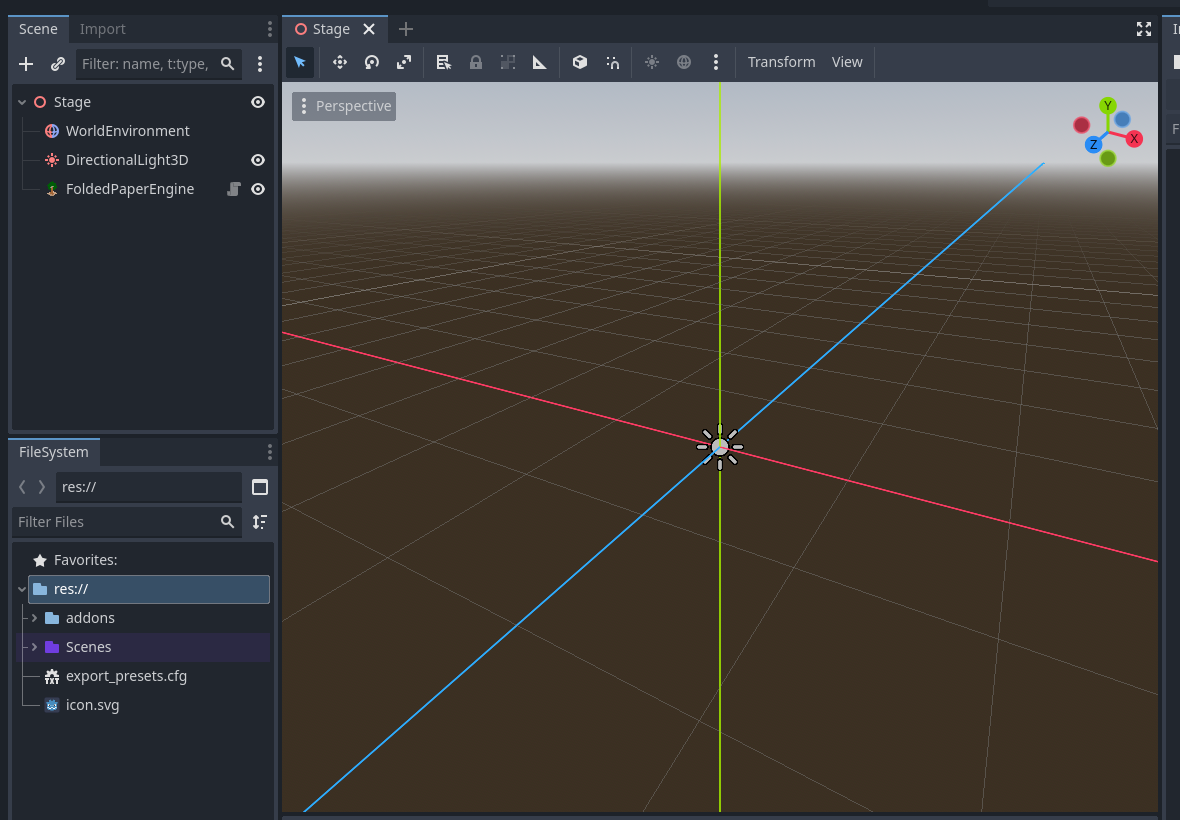
The native Blender and Godot path
-
Define a small, versioned vocabulary such as
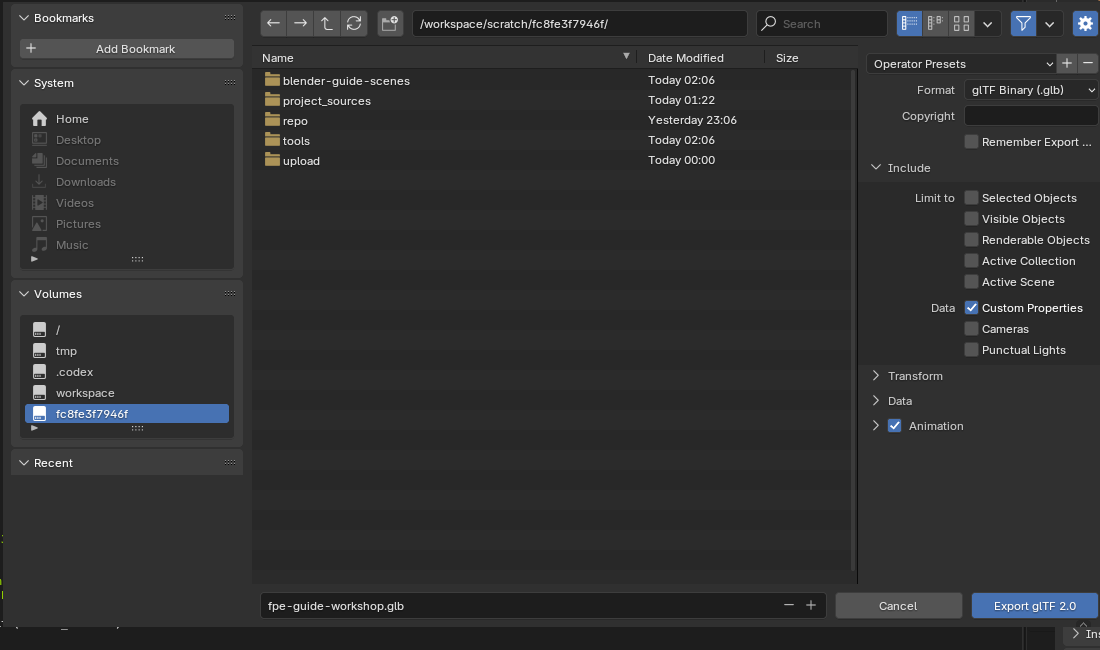
gameplay_type,event_id, anditem_kind. - Add those values as Blender custom properties on the scene or object that owns the intent.
- Export glTF 2.0 or GLB with Custom Properties enabled.
-
In Godot's scene importer, use a
GLTFDocumentExtensionor editor import plugin to translate extras into node metadata or generated children. - Keep the runtime transformation deterministic: the same metadata should always produce the same scene structure.
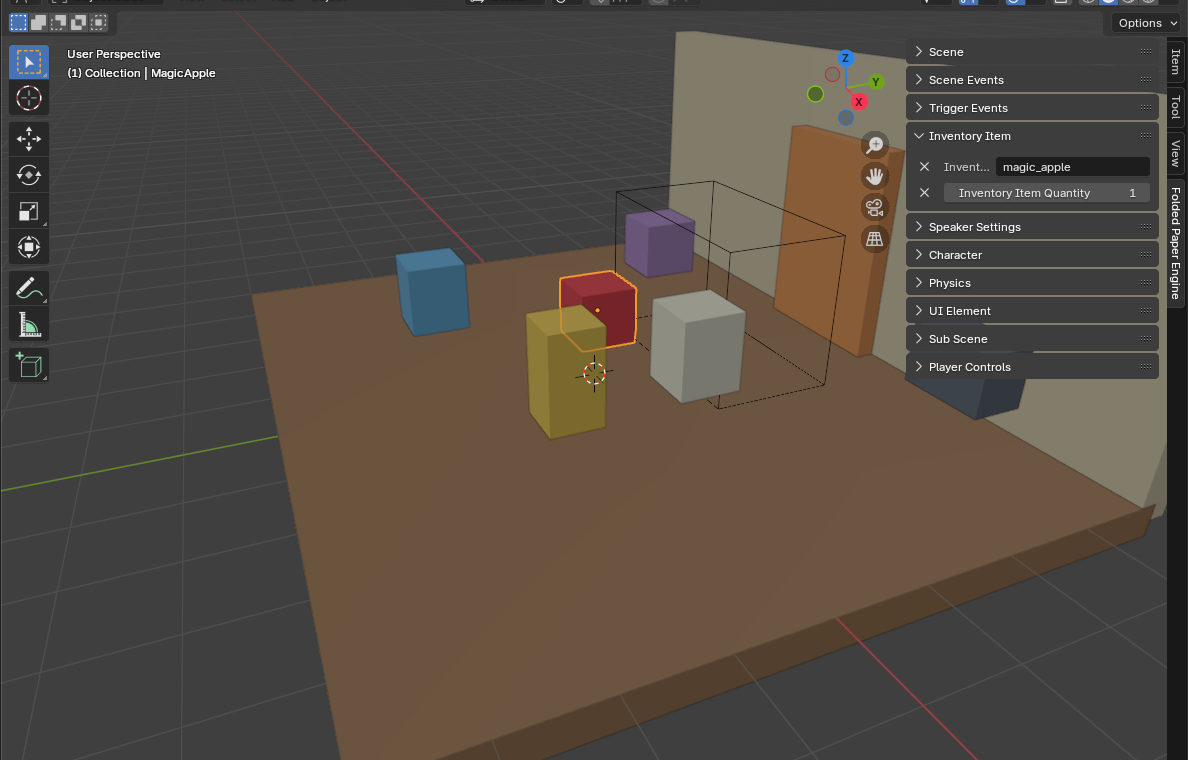
Design a stable contract
Prefer domain values over implementation names. gameplay_type = "trigger" survives a refactor from one Area3D subclass to another; godot_class = "TrackingArea3D" leaks the current runtime into your Blender file. Validate unknown fields and
versions loudly so a typo does not quietly ship an inert object.
Common mistakes
- Forgetting Custom Properties: the geometry arrives, but all authored behavior disappears.
- Editing the generated import: reimporting can overwrite manual changes. Extend through stable child scenes, scripts, or post-import hooks.
- Using display names as identity: object names change. Use explicit IDs for cross-object references.
- Moving unique game logic into Blender: metadata should declare intent; Godot should implement behavior.
Godot reference: Import configuration