
 Support FPE

What Are Instant Game Mechanics?
Instant Game Mechanics means that common gameplay setup travels with the level you are already building. You describe intent in Blender, FPE turns it into working Godot behavior, and your code stays focused on the mechanics unique to your game.
The problem it solves
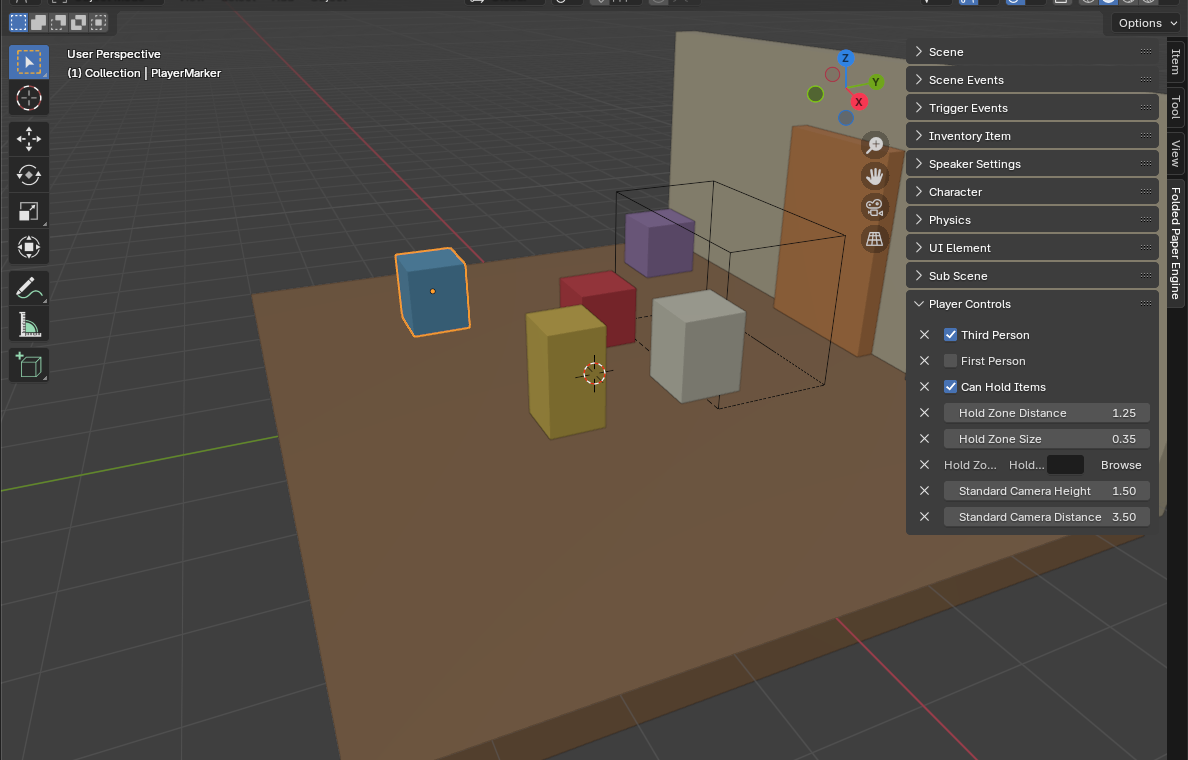
Level work crosses an awkward boundary. A designer places a doorway, pickup, speaker, and NPC in Blender; after export, someone recreates their meaning with areas, collision shapes, scripts, groups, node paths, and inspector settings in Godot. Every layout revision risks repeating that translation.
Instant Game Mechanics moves the repeatable part into a shared authoring contract. The doorway can already say which event it fires. The pickup can already say which item kind and quantity it represents. The animation can already say when its sound or camera event happens.
How the workflow works
- Build the scene in Blender. Model and place the level as usual.
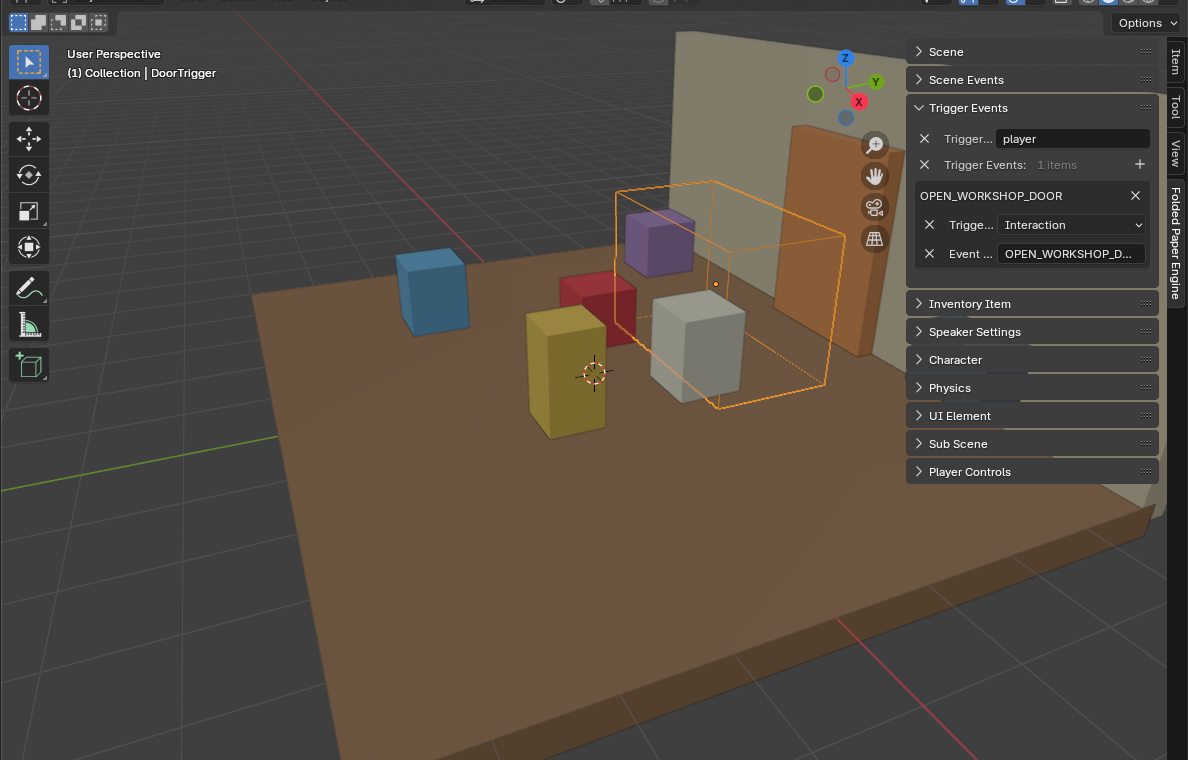
- Describe common behavior. Use FPE panels to choose players, characters, triggers, speakers, inventory items, holdables, sub-scenes, scene settings, and animation events.
- Export standard glTF. Custom properties carry the authored intent as extras.
- Load it in Godot. The FPE node reads the scene and attaches the corresponding runtime features.
- Extend the result. Add custom scripts, commands, UI, or entirely unique systems in Godot.
Where it fits—and where it does not
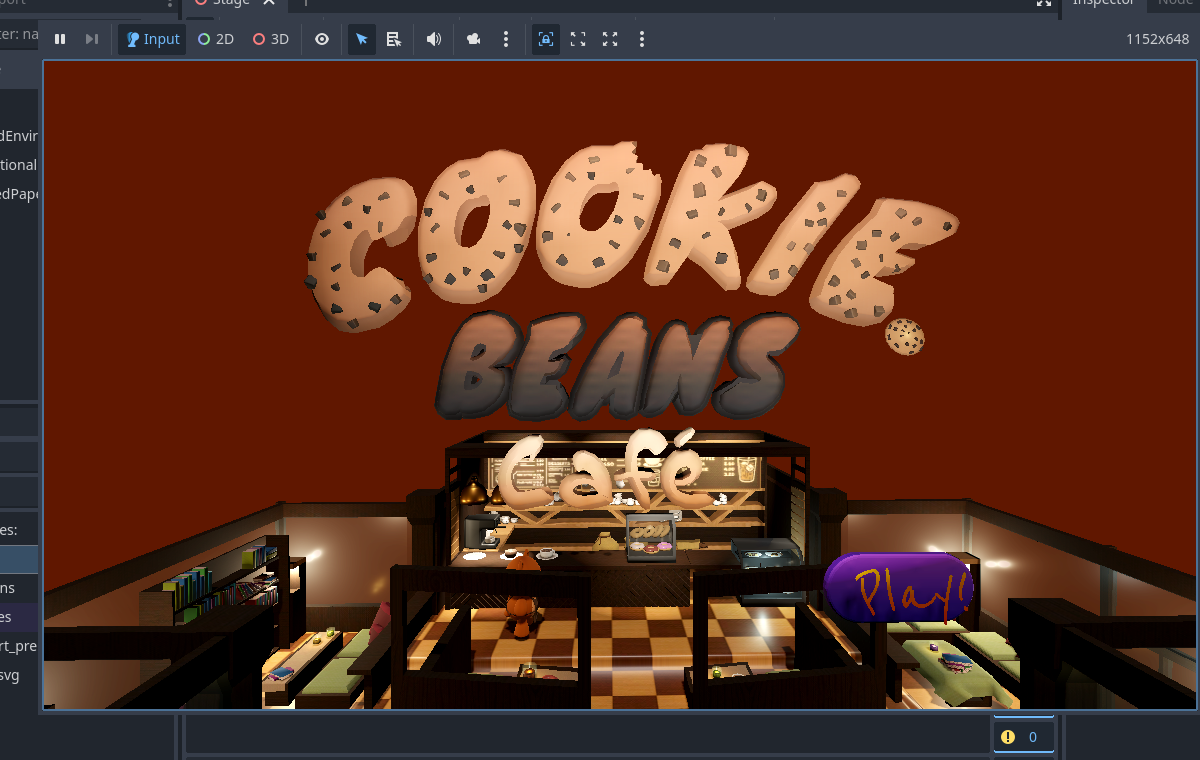
FPE is strongest where games repeat structural setup: interactive scenes, cozy exploration, narrative spaces, puzzles, pickups, audio cues, camera beats, and level transitions. It does not attempt to express every possible mechanic through checkboxes. A fishing system, procedural economy, or unusual creature AI still belongs in your game code. The value is arriving at that unique work with the ordinary wiring already done.
Why standard glTF matters
- Your source remains a Blender scene and your interchange remains glTF/GLB.
- The Godot project contains normal nodes and scripts you can inspect.
- Programmers can override generated behavior or add new feature modules.
- Artists and designers can own more iteration without waiting for repetitive scene setup.
Godot reference: Available 3D formats