
 Support FPE

How to Build and Extend an Inventory System in Godot
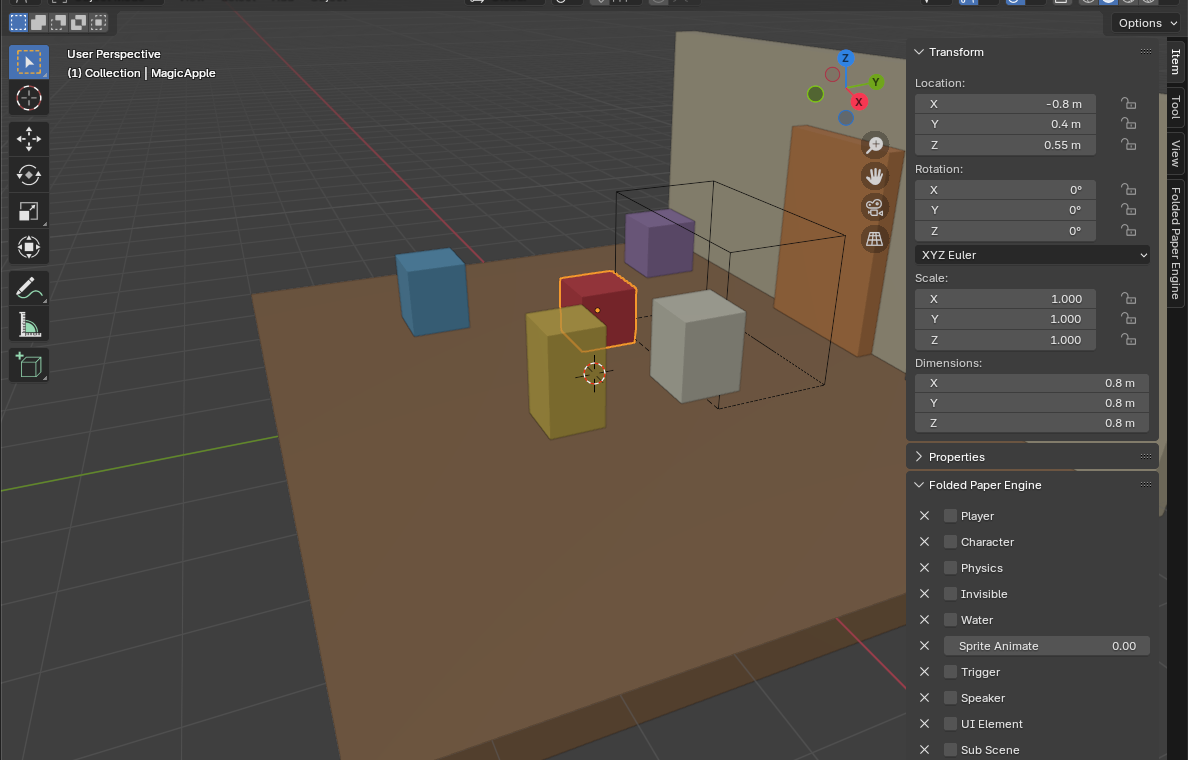
A durable inventory is a data model first and a UI second. Keep item definitions separate from the physical pickups authored in Blender, and the system stays useful when you add saving, shops, crafting, or multiplayer later.
When should you use this pattern?
Use a slot-and-stack inventory when the player owns abstract quantities: three apples, one brass key, twelve seeds. If the player is physically carrying one visible object in front of them, use a holdable-item system instead. A game can support both without forcing them into the same representation.
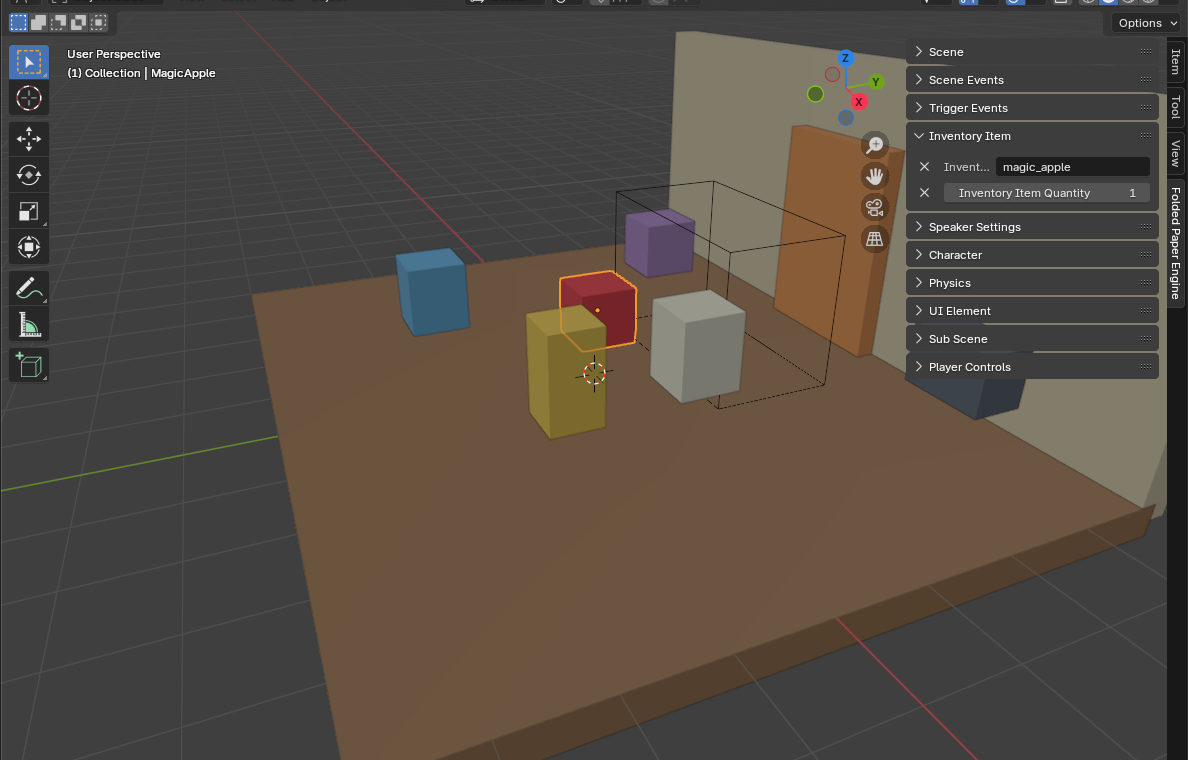
The traditional Godot workflow
Define reusable item data as a custom Resource. Resources are
saved data containers, so the same apple definition can be referenced by
pickups, UI, recipes, and shops without copying its name and icon into every
scene.
class_name ItemDefinition
extends Resource

@export var id: StringName
@export var display_name: String
@export var icon: Texture2D
@export_range(1, 999) var max_stack := 1
Store inventory entries separately as an item reference plus quantity. Give
the inventory a single add_item() operation that fills existing
stacks before opening new slots. Emit a changed signal only after
the mutation succeeds; your UI can rebuild from that signal without owning gameplay
state.
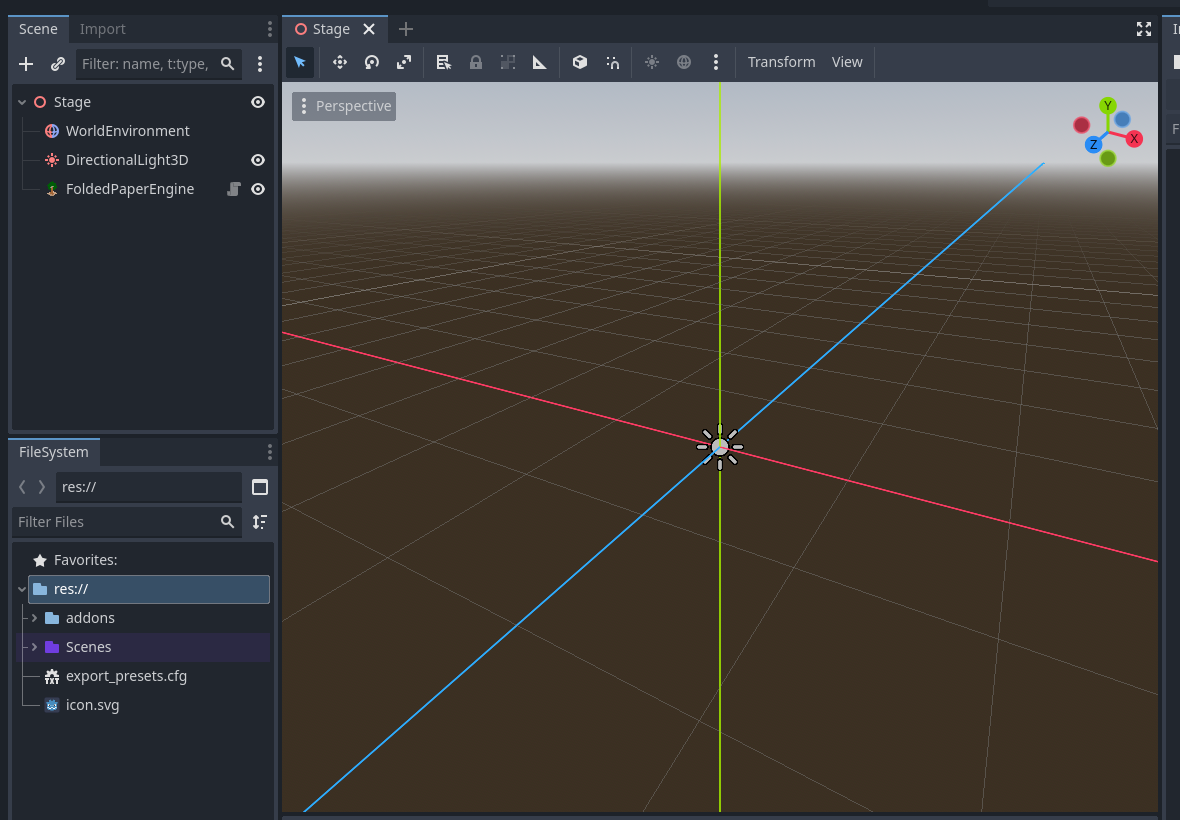
Step-by-step implementation
-
Create one
ItemDefinitionresource per kind of item and give every kind a stable ID. - Create an inventory node or resource that owns a fixed array of slots.
- Implement add, remove, count, and contains operations against that array.
- Make each world pickup reference an item definition and quantity.
-
When a player enters the pickup area, call
add_item(). Delete the pickup only if the full transfer succeeds. -
Connect the UI to the inventory's
changedsignal and render the current slots.
Common mistakes
- Using node names as IDs: renaming a scene then breaks saves and recipes. Store an explicit stable ID.
- Letting the UI edit arrays directly: all mutations should pass through inventory operations.
- Deleting pickups too early: a full inventory should leave the remainder in the world.
- Saving nodes: save item IDs and quantities, then reconstruct references from your item catalog.
Godot reference: Resources