
 Support FPE

How to Create Inventory Pickups and Holdable Items in Blender
An apple in a backpack and a lantern carried in front of the camera are both ‘items,’ but they solve different artistic and gameplay problems. Decide whether the object becomes data or stays a physical part of the world, then author it accordingly in Blender.
Inventory item or holdable prop?
Inventory items are abstract records that can stack and survive level changes. Holdables are individual world objects with shape, mass, and orientation. Use a holdable for a crate, lantern, cup, or puzzle piece. Convert it into inventory data only when the design calls for putting that physical object away.
Author the choice in Blender
-
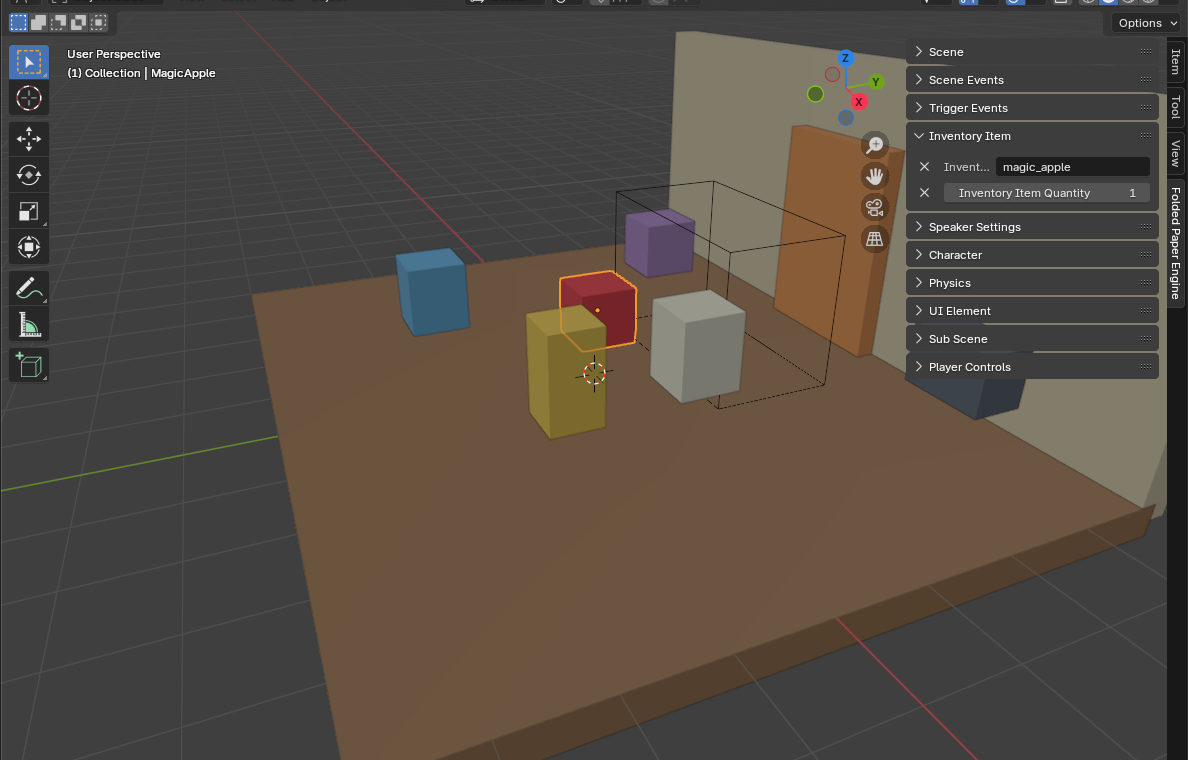
For a stackable pickup, check Trigger, then open Folded Paper Engine → Inventory Item. Enter an Inventory Item Kind ID such as
MAGIC_APPLEand a starting quantity. -
In Godot, add an
FPEInventoryConfignode to the game scene. In its Inventory Kinds array, create anInventoryItemKindresource whose id is exactlyMAGIC_APPLE; capitalization and spelling must match Blender. Set its player-facing label, plural label, and stack limit, then set the player inventory size. The inventory reference explains every field, and the Inventory Items tutorial shows the complete path. -
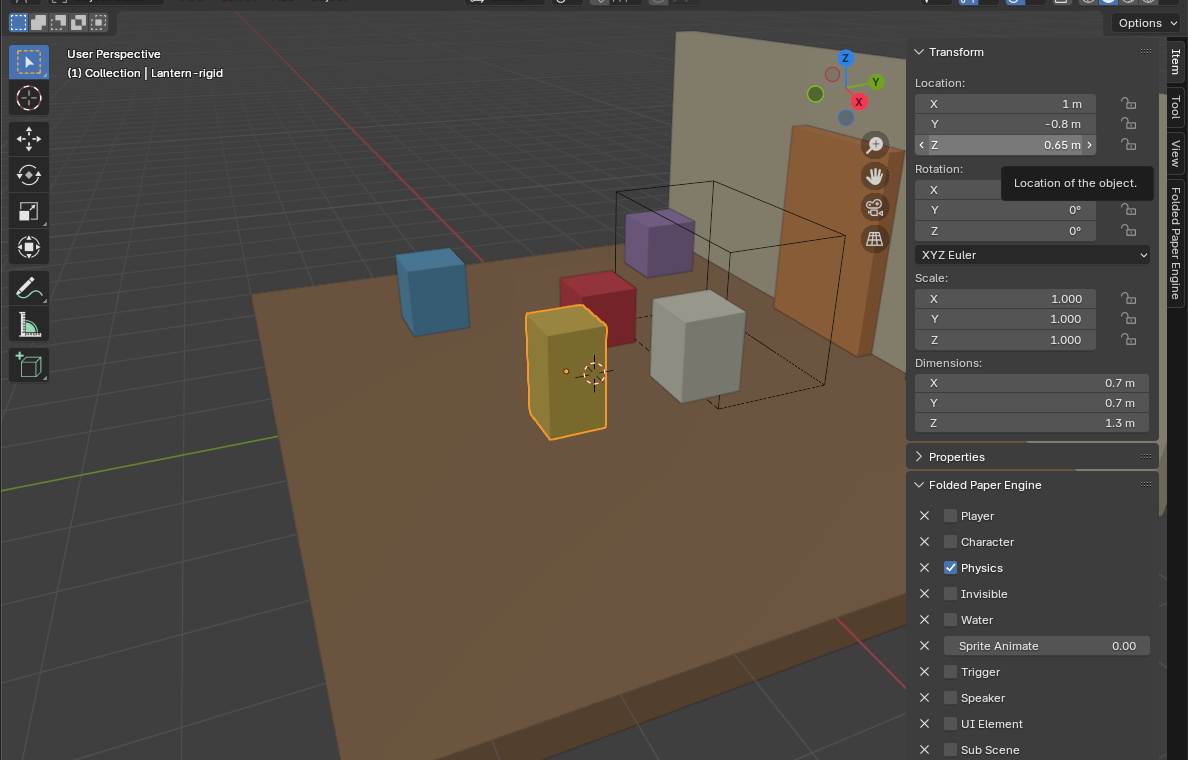
For a physical prop, add
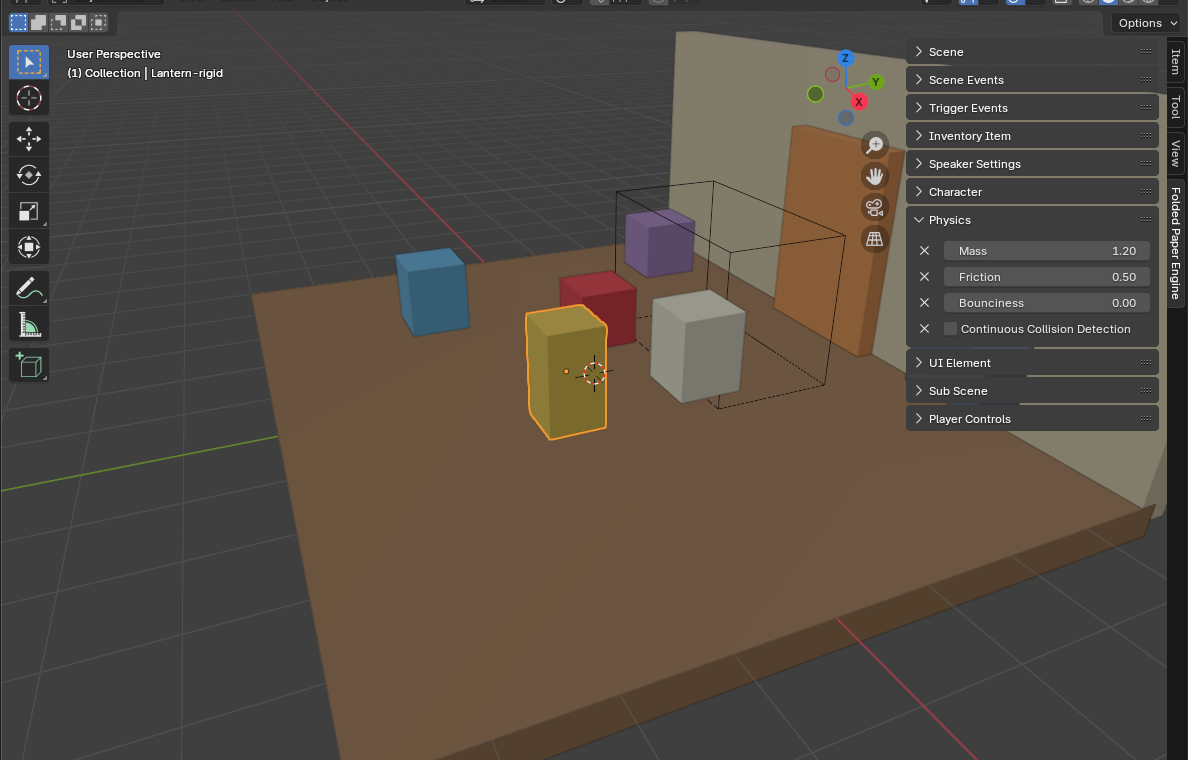
-rigidto its Blender object name, then enable Physics and Holdable. Set mass, friction, and bounciness to match the object. - For a first-person carrier, enable Can Hold Items under Player Controls and tune Hold Zone Distance and Hold Zone Size.
- Export and test the interaction beside walls, in corners, and with a full inventory.
The traditional Godot workflow
-
Make the prop a
RigidBody3Dwith a simple, accurate collision shape. - Use your normal interaction detector to select it.
- Add a hold-zone marker in front of the player's camera.
-
While held, apply force or velocity toward the marker instead of assigning
global_position. - Use a shape cast or the body's contacts to shorten the target distance near walls.
- On drop, restore the item's ordinary damping, gravity, collision exceptions, and ownership state.
Keep the controller stable
A spring-like controller works well: velocity follows the position error
with damping. Cap maximum force and drop the object if it becomes too
distant, trapped, or invalid. Heavy objects can use a weaker spring or be
rejected by can_pick_up(). Avoid changing collision layers
unless you have a precise reason; the wall collision is what prevents the
held item from becoming a camera-mounted battering ram.
Common mistakes
- Teleporting every frame: this bypasses collision and causes clipping or violent corrections.
- Parenting under the camera: a physics body no longer behaves like a world object.
- Ignoring player collision: the prop can shove or launch its holder. Use a targeted collision exception while held.
- Losing state on drop: save and restore any gravity, damping, freeze, or collision values you change.
Godot reference: ShapeCast3D class reference