
 Support FPE

How to Set Up Your Godot Game World in Blender
A level is more than its meshes. It has a mood, a sense of weight, a soundtrack, and an entrance. FPE lets the Blender scene describe those world-level decisions alongside the art that inspired them.
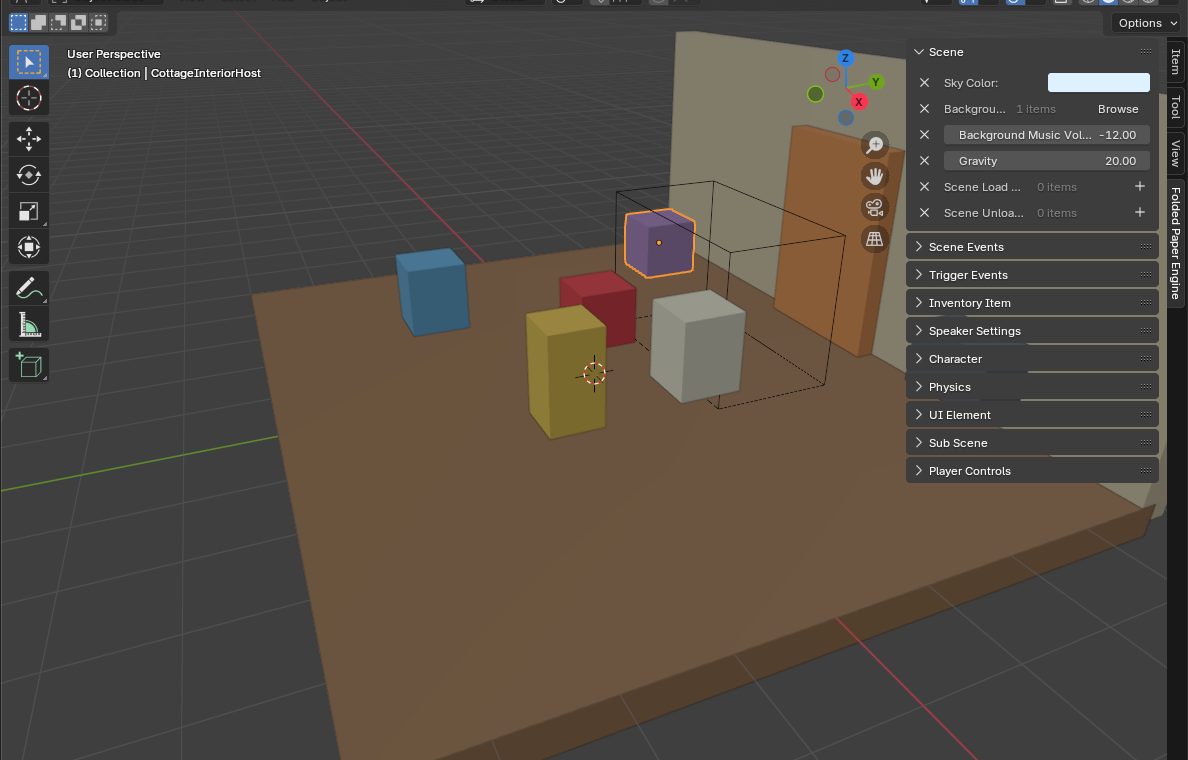
Open the FPE Scene panel in Blender
Every setting in the next two sections is authored in Blender's Scene → Folded Paper Engine panels—not in Godot's Inspector. These settings belong to the Blender scene, not an individual prop. Start with a small level that already exports successfully; world settings should enrich a proven workflow rather than obscure a broken one.
Set the world mood in Blender
- In the FPE Scene panel, choose Sky Color to establish the level's background tone. Treat it as a starting environment color, then refine lighting and materials in context.
- In that same Blender panel, set Gravity in meters per second squared. Use familiar gravity unless floatiness or heaviness is intentional.
- Choose Background Music using the path the audio resource will have inside the Godot project.
- Set Background Music Volume in decibels. Preview the actual mix after import in Godot rather than choosing by number alone.
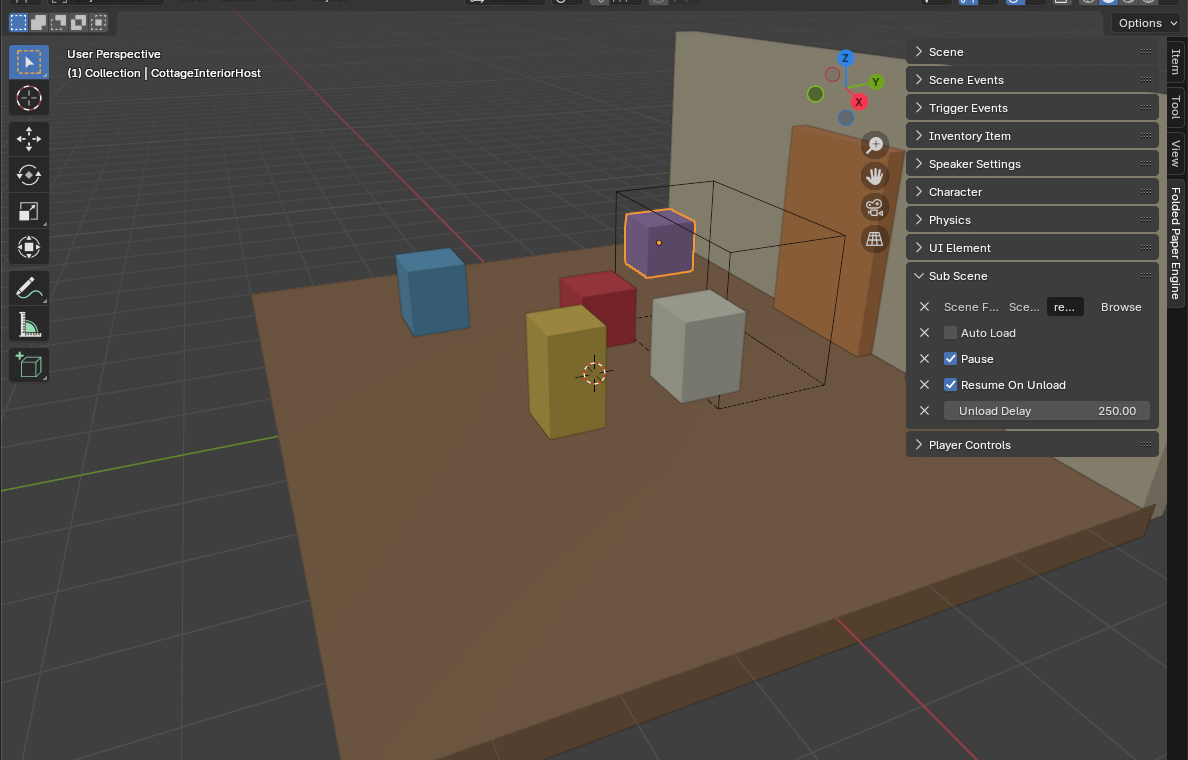
Give the level an entrance and exit
Scene Load Events run commands as the level becomes active. Use them for deliberate initialization such as starting an animation, dispatching a named event, or establishing a camera beat. Scene Unload Events are for cleanup or a final transition action. Keep both lists short and meaningful; complex persistent state still belongs to Godot systems.
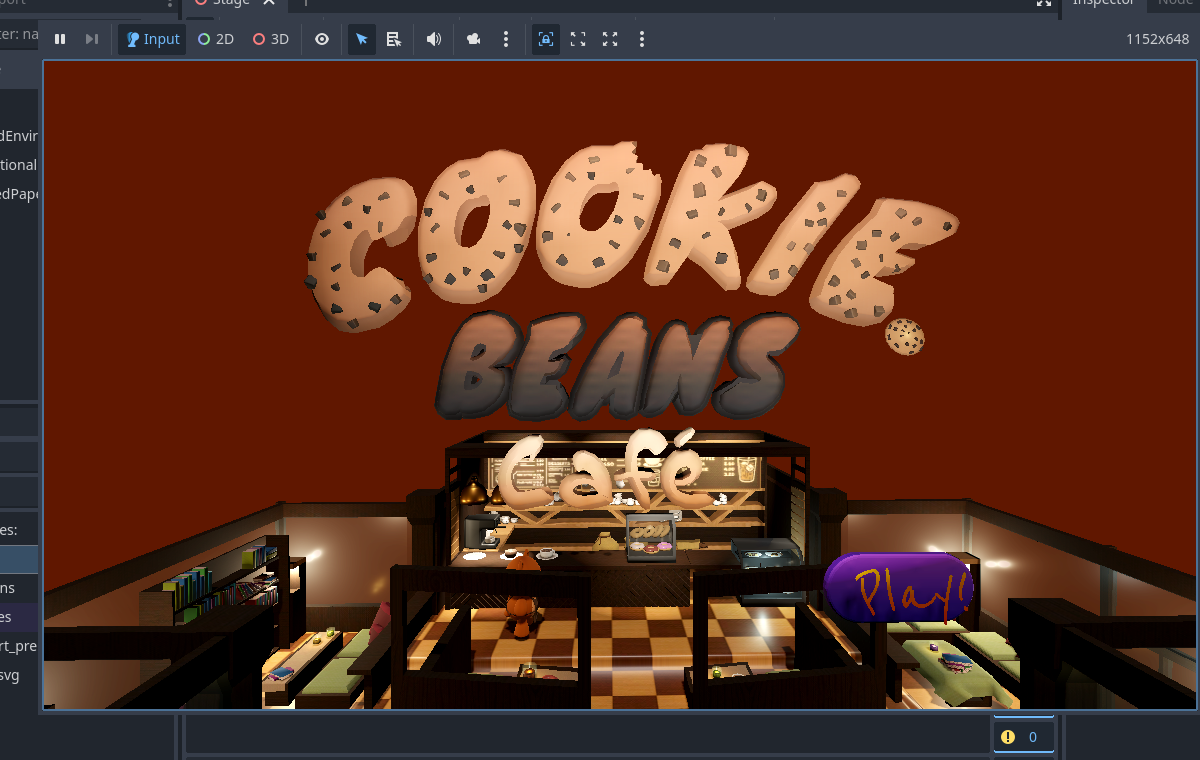
Verify the whole level
- The sky matches the intended mood under the actual camera.
- Physics props fall and jump forces feel appropriate under the selected gravity.
- Music resolves to a valid Godot resource path, begins once, and stops according to the level's ownership.
- Load events do not fire twice during development reloading.
- Unload events do not reference nodes that have already been removed.